
Posts
Welcome to the Totem Blog! Your source for the latest Totem announcements, news, and more.
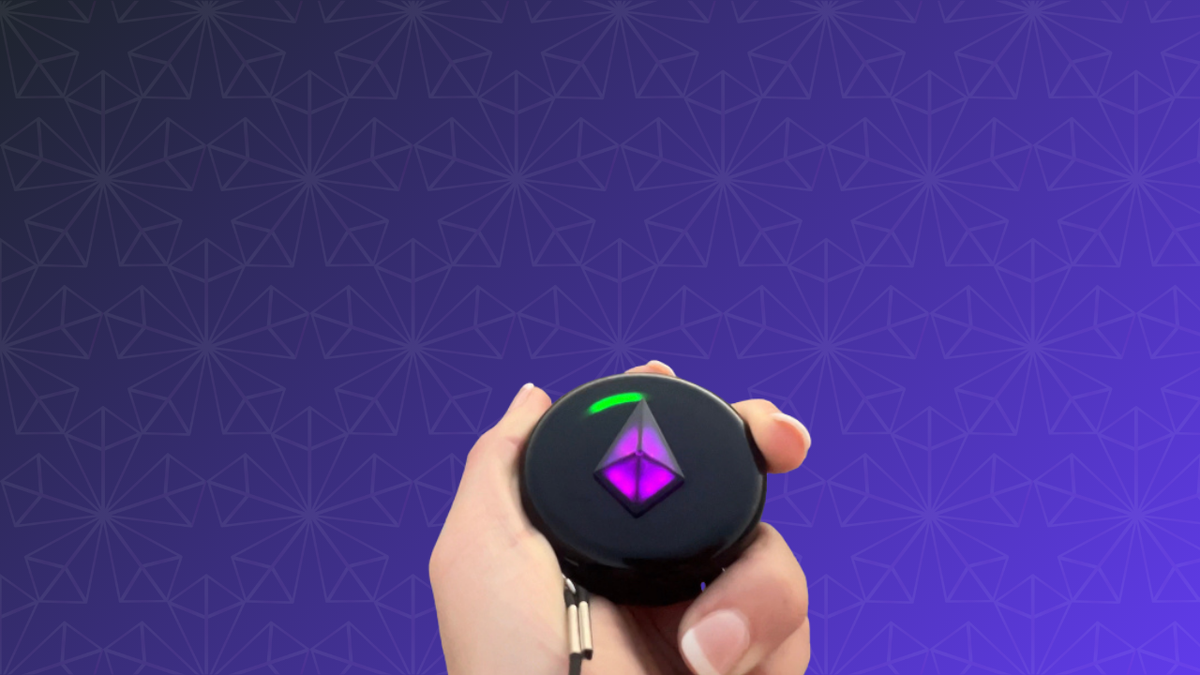
All About Compass Mode on your Totem
Hold your Totem flat and it switches into Compass Mode, where every light points to a Bonded friend. Here's how to connect to satellites, how Version 5.0's Auto-Calibration works, and how to read your Bond Lights.
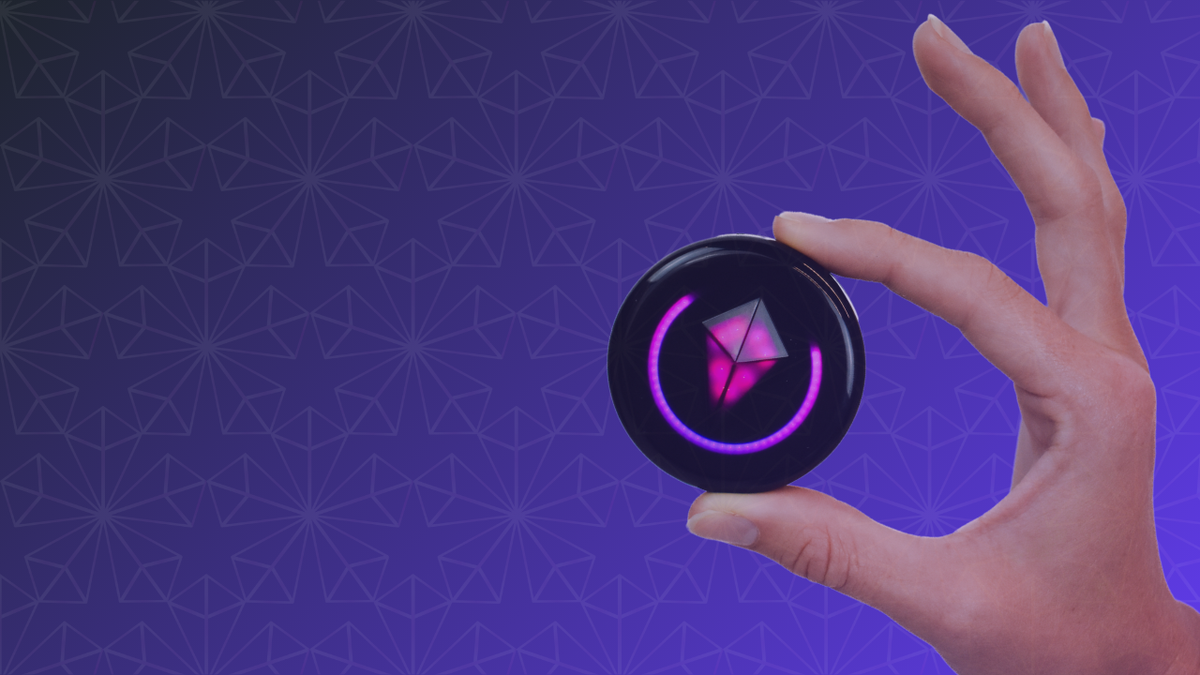
Your Totem Compass User Interface
The Totem Compass has no screen. Everything runs through five parts: tilt, the Touch Crystal, the Halo, the Power Button and the SOS Button. Here's what each one does on Version 5.0.
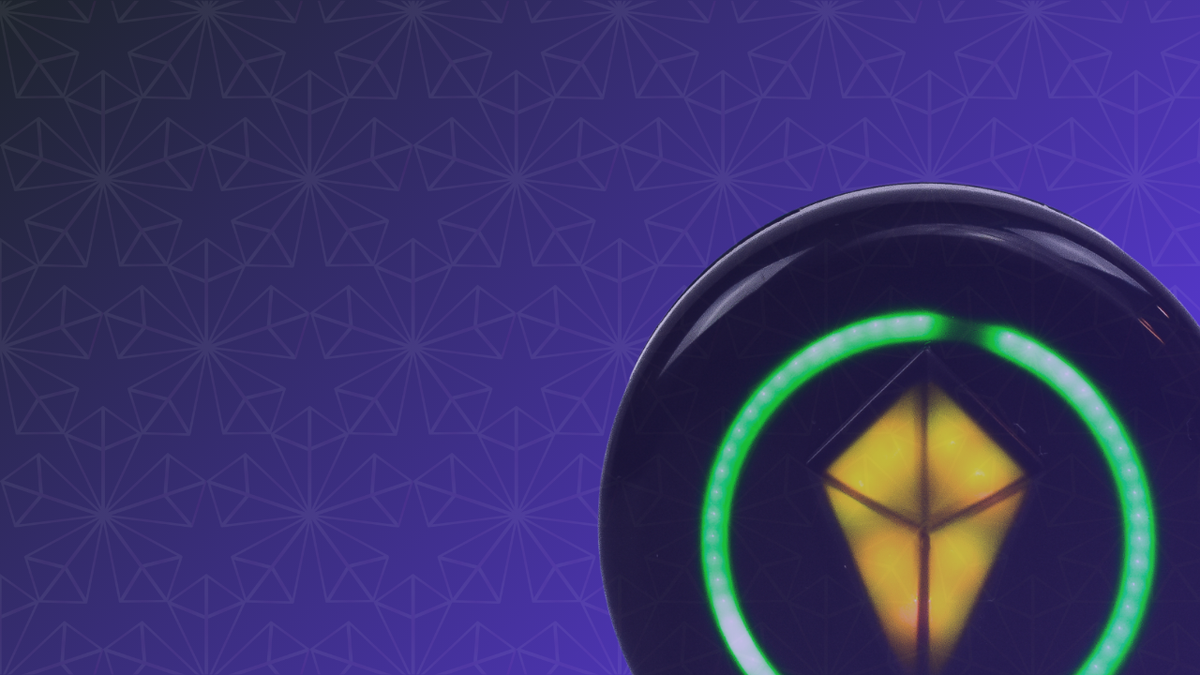
Totem Compass: All About the Power Button
Click once to turn on, click again for Eco Mode, and hold to turn off. Here's everything the Totem Compass Power Button does, plus what the lights mean at power-up.