 Crystal Club


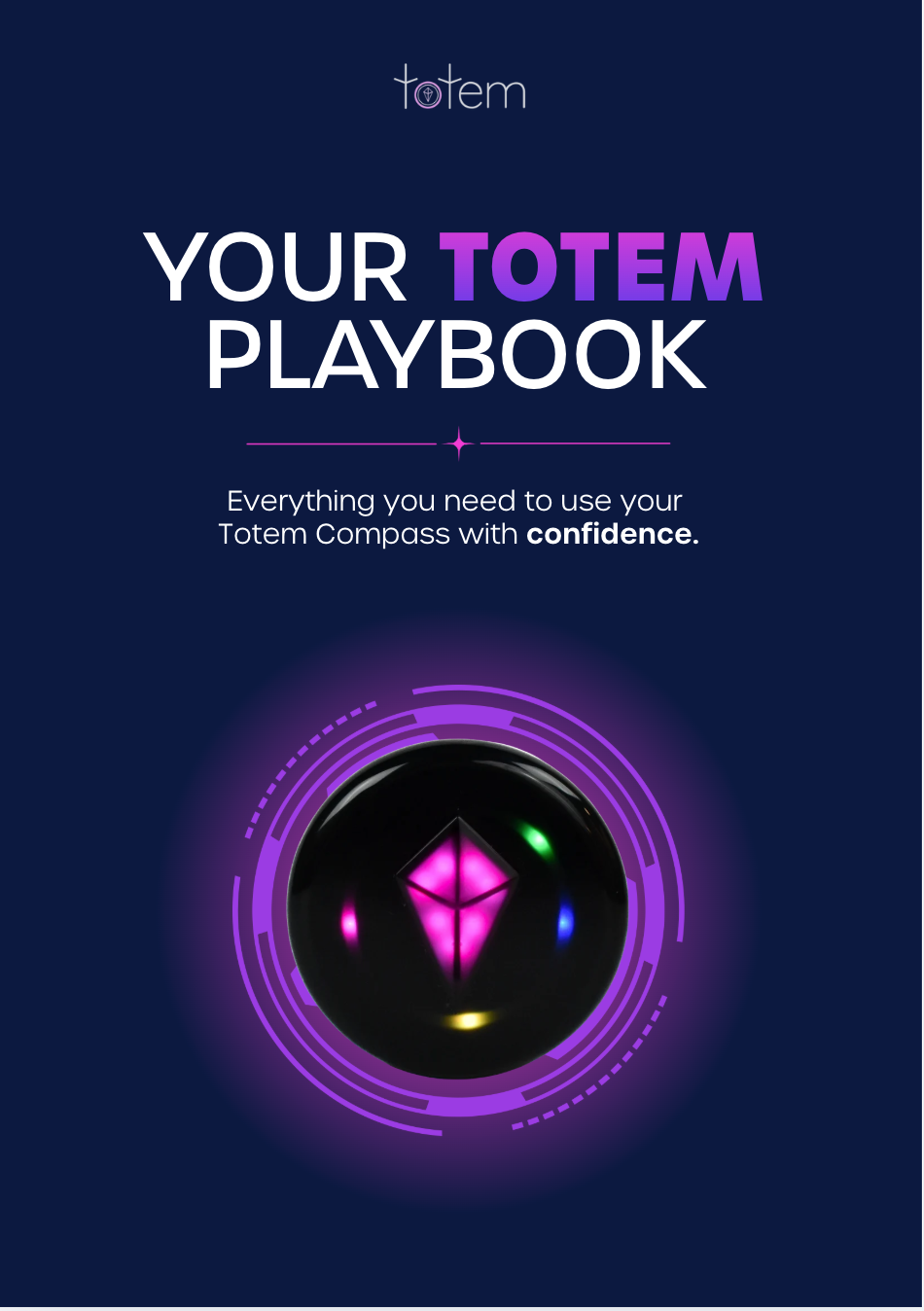
Your Totem Playbook
Everything you need to use your Totem with confidence.

What's Inside?
Each section stands on its own, so jump to whatever you need.
For a more detailed guide, click here to access "The Totem Explained".
The Four Essentials
Your Totem non-negotiables
Keep the Party Going
Stay powered. Stay connected.
Pair With Your People
How to Bond 2+ Totems in Seconds
Find Your Location
How Your Totem Knows Where It Is
Find Your People
Let Your Totem Lead the Way
Set Yourself Up For Success
Unlock the Full Totem Experience
Keep Your Totem Updated
Enhancements. New Features. Bug Fixes.
We've Got Your Back
Reach us anytime. 🫶🏻
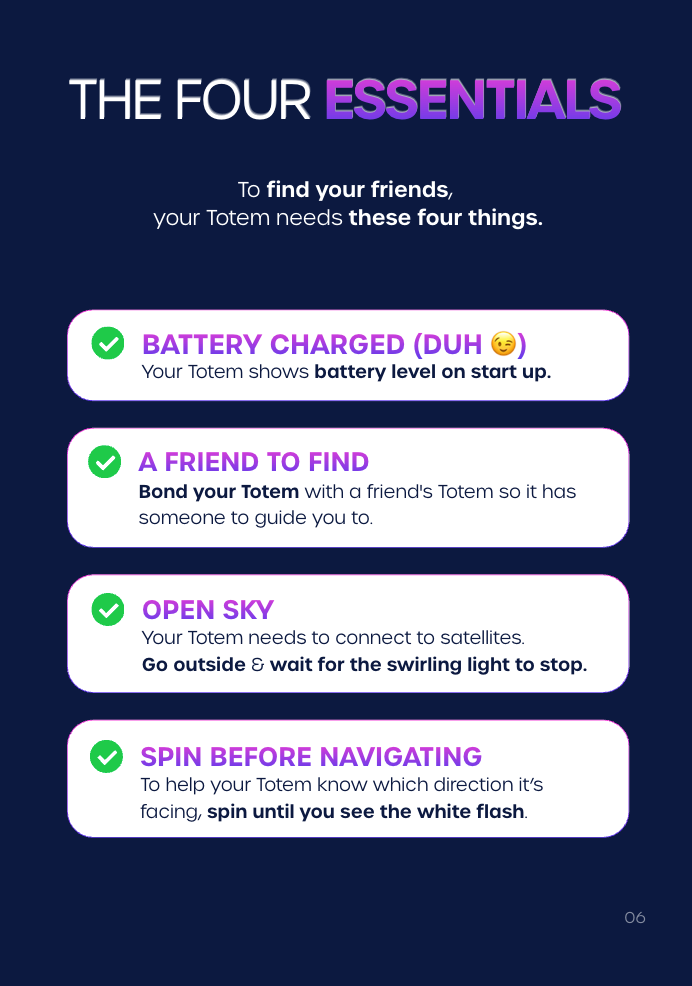
The Four Essentials
To find your friends, your Totem needs these four things.
Battery Charged (duh 😉)
Your Totem shows battery level on start up.
A Friend to Find
Bond your Totem with a friend's Totem so it has someone to guide you to.
Open Sky
Your Totem needs to connect to satellites.
Go outside and wait for the swirling lights to stop.
Spin Before Navigating
To help your Totem know which direction its facing, spin until you see the white flash.
Keep the Party Going
Stay Powered. Stay Connected.
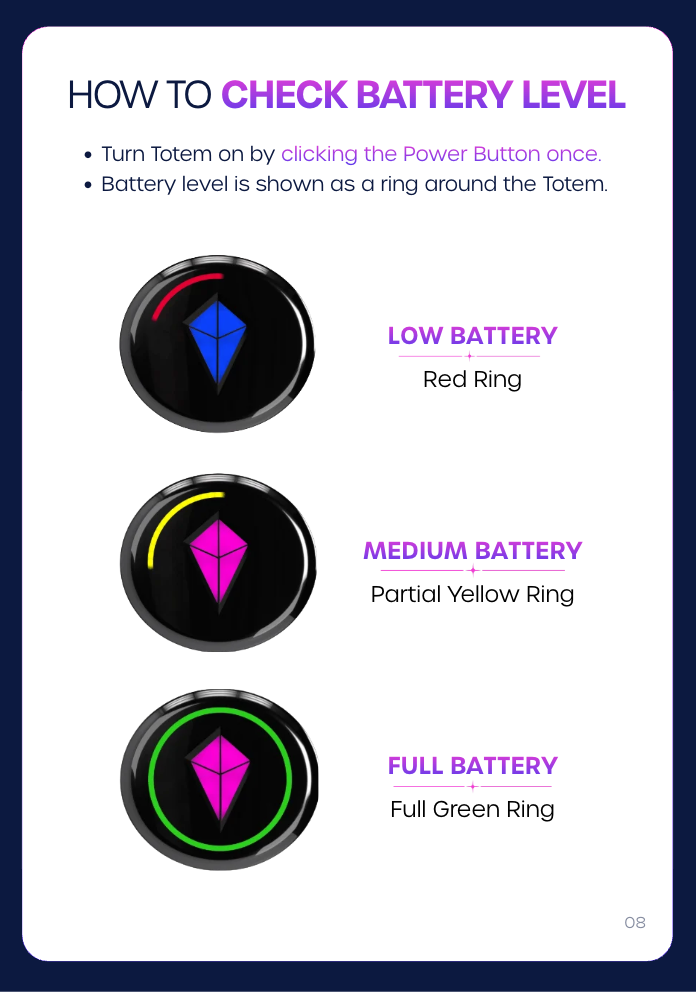
How to Check Battery Level
1. Turn Totem on by clicking the Power Button once.
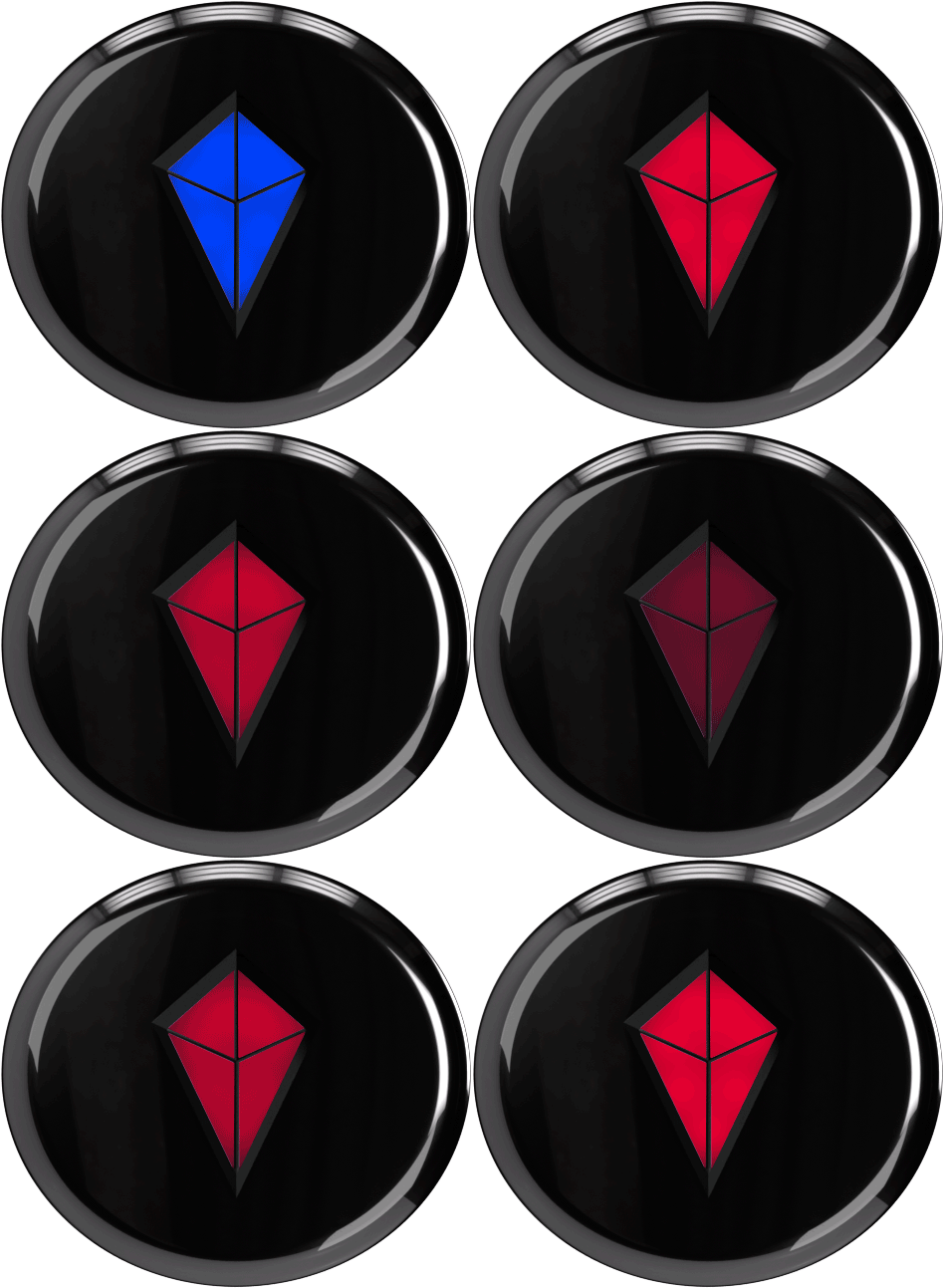
2. Battery level is shown as a ring around the Totem.
Low Battery
Red Ring
Low Battery
Red Ring
Medium Battery
Partial Yellow Ring
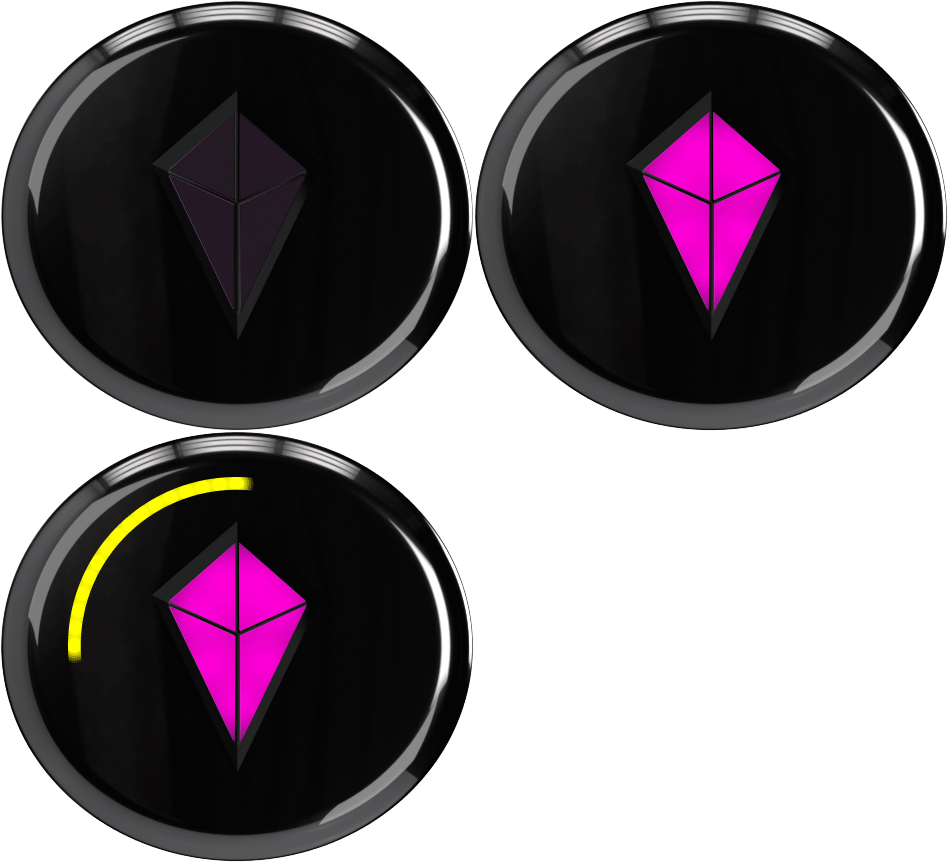
Medium Battery
Partial Yellow Ring
Full Battery
Full Green Ring
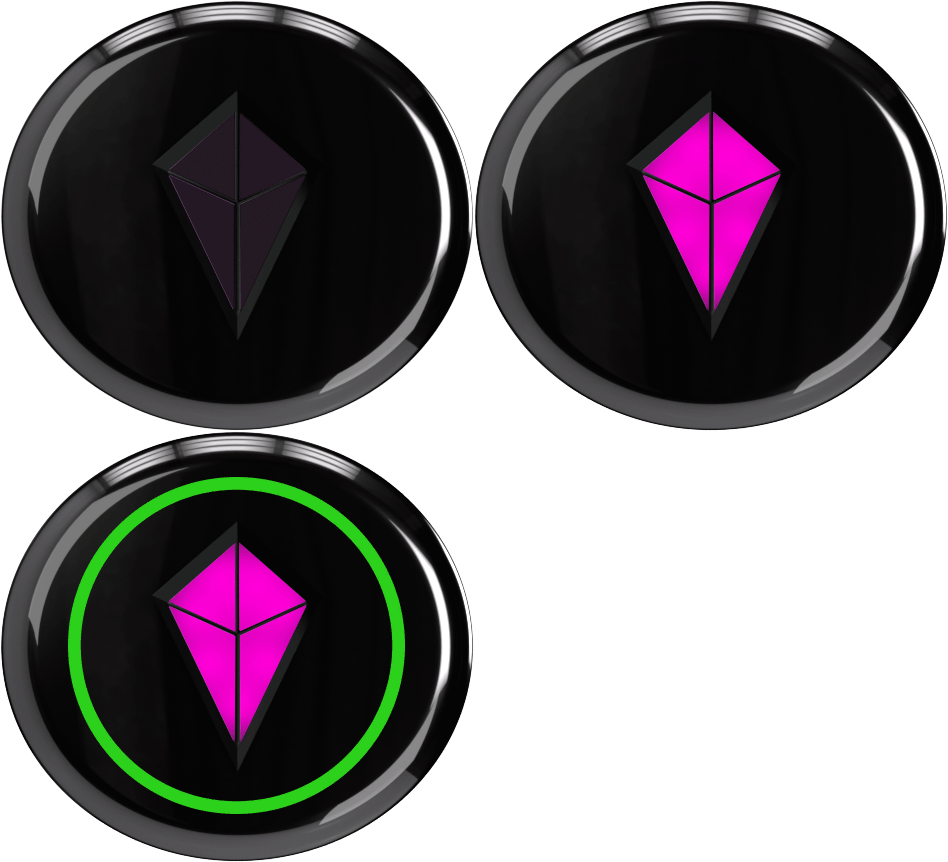
Full Battery
Full Green Ring
How to Know Your Totem Needs a Charge
1. Touch Crystal slowly pulses red.
2. Touch Crystal will not respond.
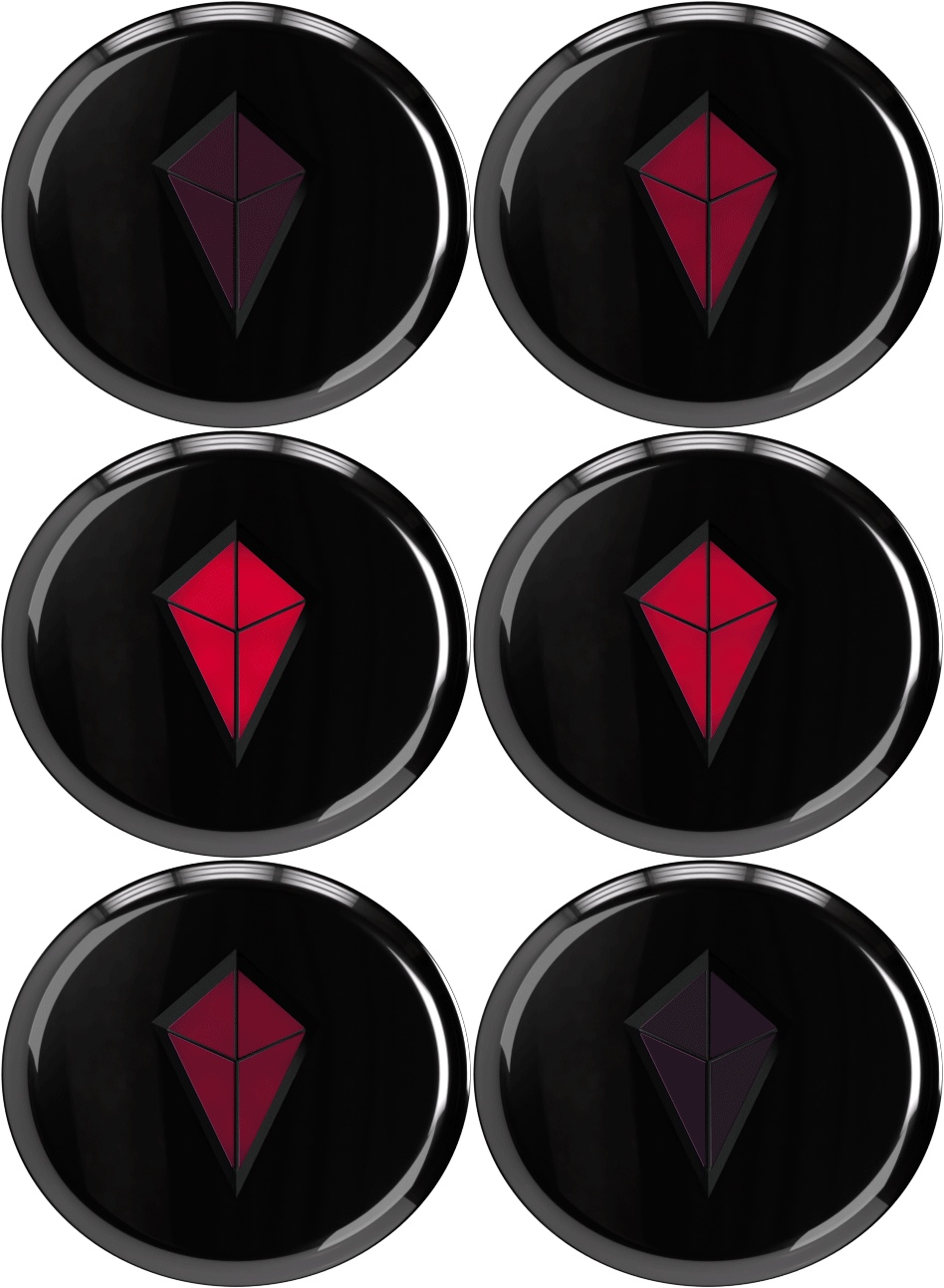
How to Charge Your Totem
1. Fully charges in ~45 minutes using standard USB-C.
2. Green light appears when fully charged.
How to Maximize Battery Life
1. Click the Power Button once to enter “Eco Mode”.
2. Touch Crystal dims. All other lights disappear.
"Vibe Mode"
Full Brightness
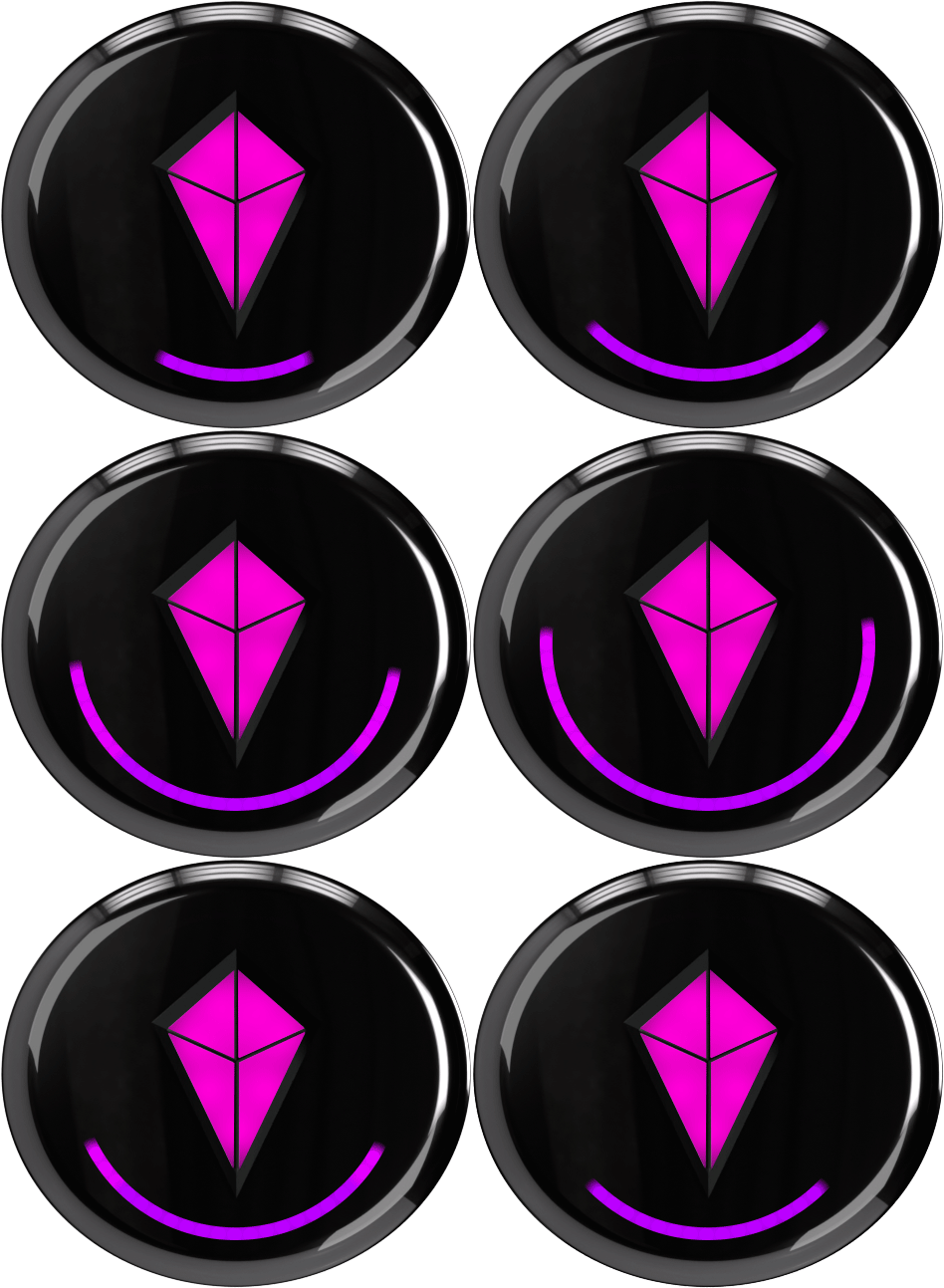
"Vibe Mode"
Full Brightness
"Eco Mode"
Dim - No Lights
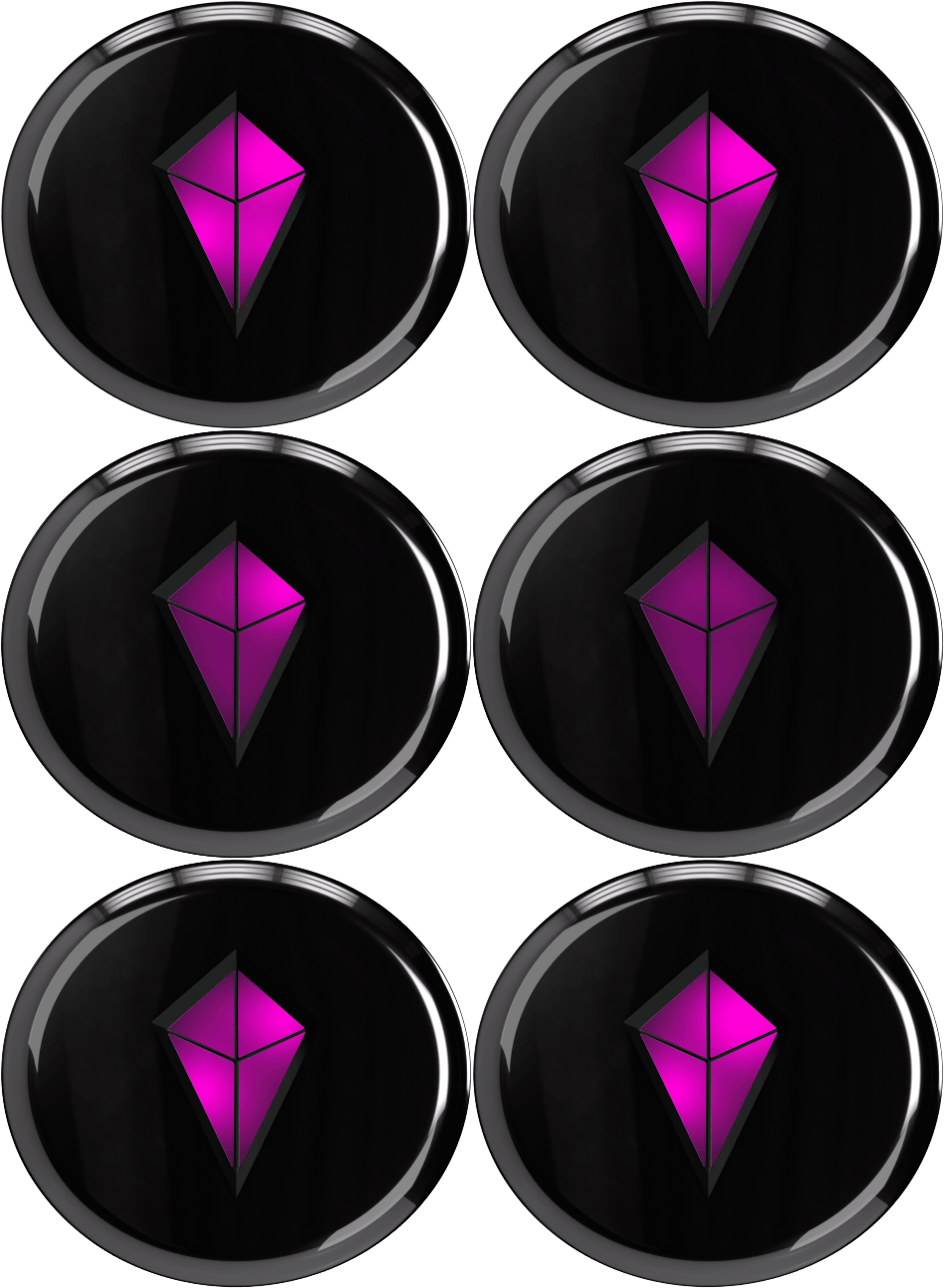
"Eco Mode"
Dim - No Lights
Ready to Vibe again? Click the power button once.
Pair With Your People
How to Bond 2+ Totems in Seconds
How to Bond With Your People
1. Get Everyone Together
Hold or place all Totems side-by-side horizontally.
2. Pick a Leader
Choose one Totem to be the Primary Totem.
3. Begin Bonding
Touch & hold the Primary Totem’s Touch Crystal for 8 seconds until the ring begins flashing through colors.
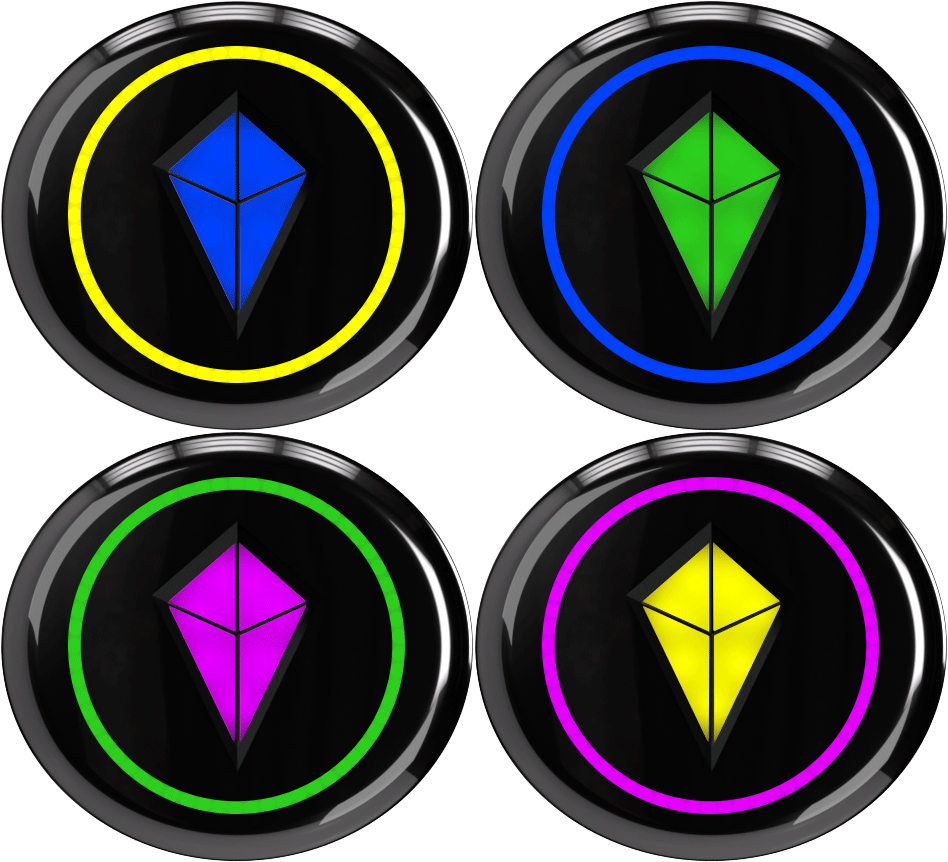
4. Add the Rest
Repeat for each remaining Totem until you see the same flashing colors.
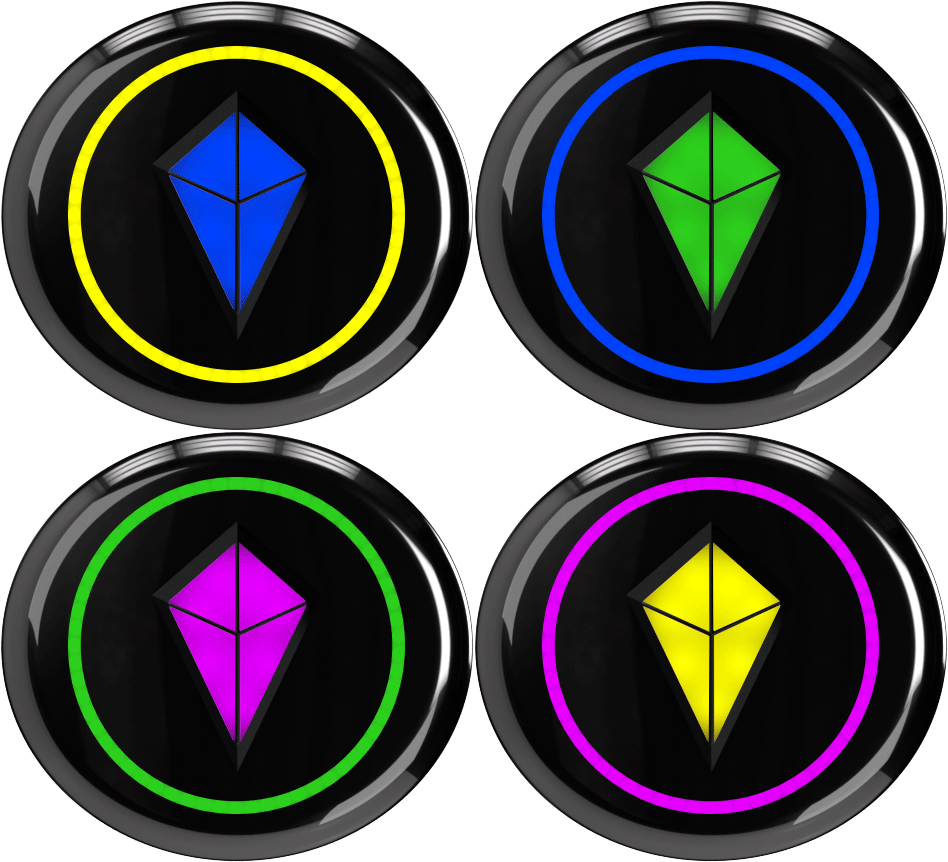
5. Lock It In!
Touch & hold the Primary Totem’s Touch Crystal one final time to finish Bonding.
SUCCESS!
Here's How You'll Know




✅ Each Touch Crystal locks into place.
✅ Each Touch Crystal displays its own unique color.

✅ All Bond lights move to the Touch Crystal.
Okay, But Who's Who?
Your Totem changes depending on how you're holding it.
When Vertical...
The Touch Crystal shows your color.
Your friends will follow this color
to find you.
When Horizontal..
The colors shown belong to your
bonded friends.
This is called ‘Compass Mode’.
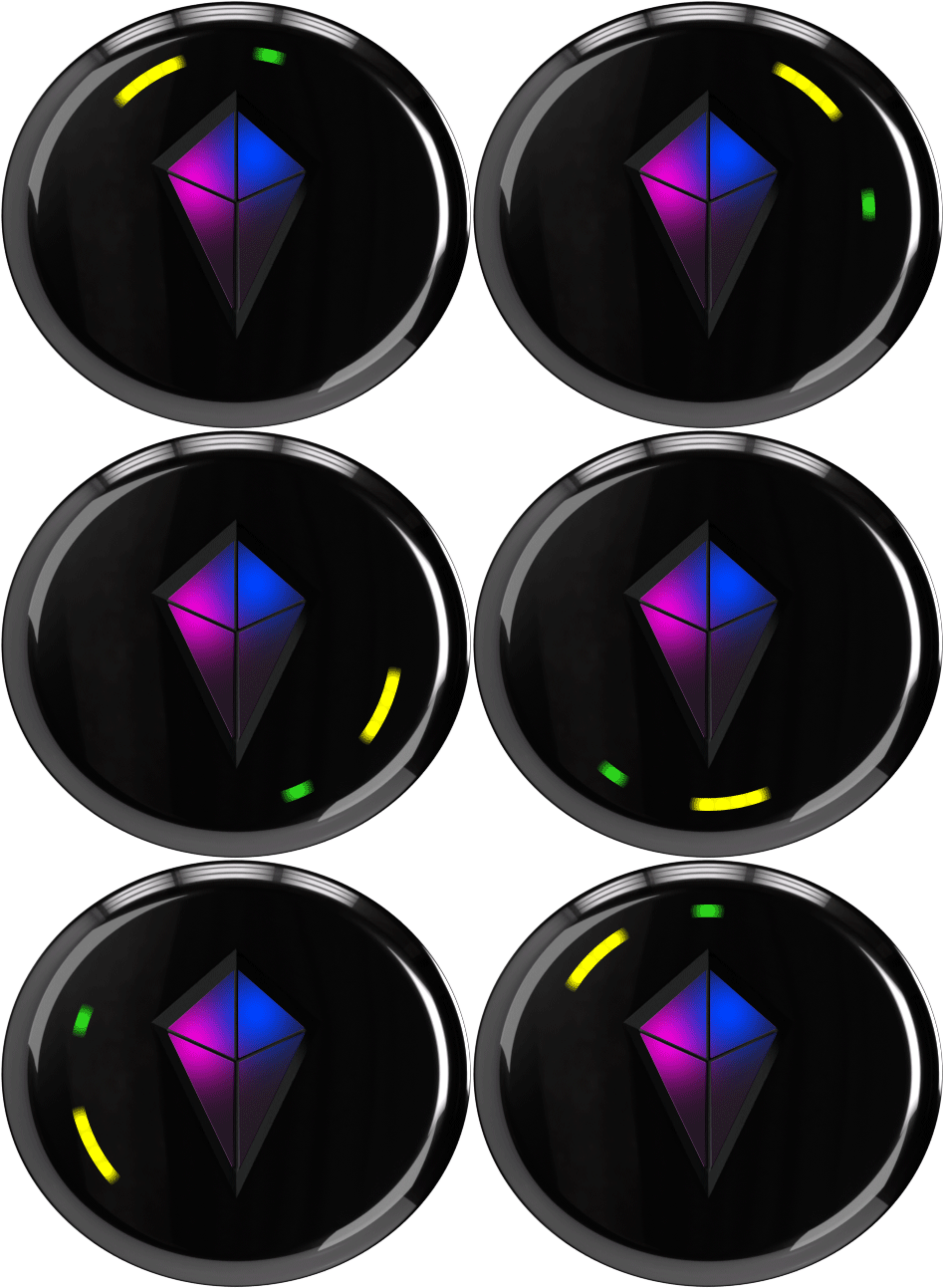
In Crystal
Bonded & Close
In Crystal
Bonded & Close
On Ring
Bonded & Distant
On Ring
Bonded & Distant
Find Your Location
If you can't see the sky, neither can your Totem.
How Your Totem Knows Where It Is
Your Totem uses satellites to figure out
its location.
1. Go outside where you have a clear view of the sky.
2. Wait until the swirling light stops.
Usually takes less than 5 minutes.
Give it up to 15.
Swirling?
Searching For Satellites
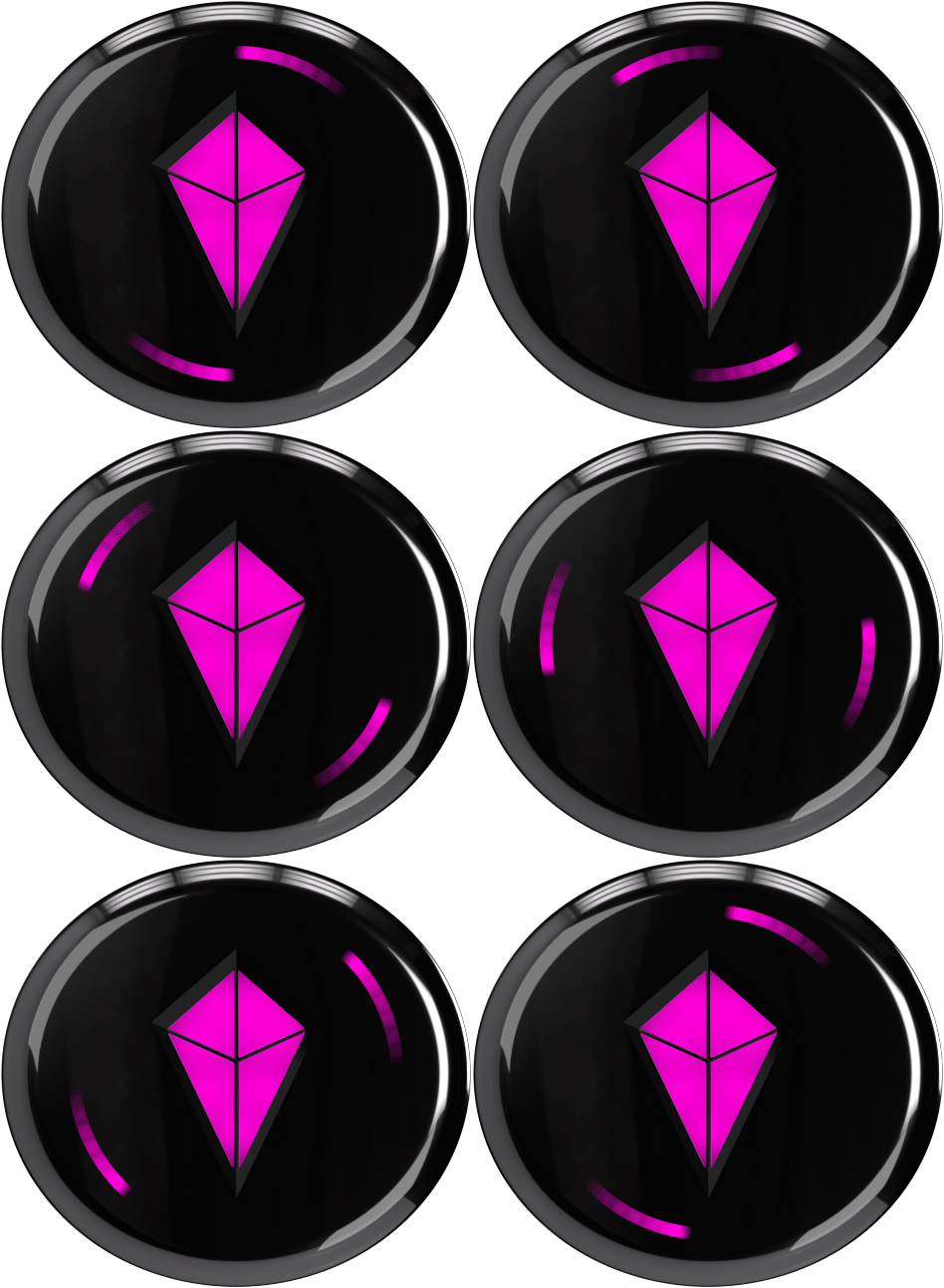
Swirling?
Searching For Satellites
No Swirling?
You're Ready To Go!

No Swirling?
You're Ready To Go!
Still swirling after 15 minutes?
You might need a replacement! Please reach out to our team. 🙂
Find Your People
Let Your Totem Lead the Way
Let's Start Navigating
The Totem will let you know when
it’s ready.
1. Hold your Totem horizontally.
2. Spin until you see the
bright, white flash.
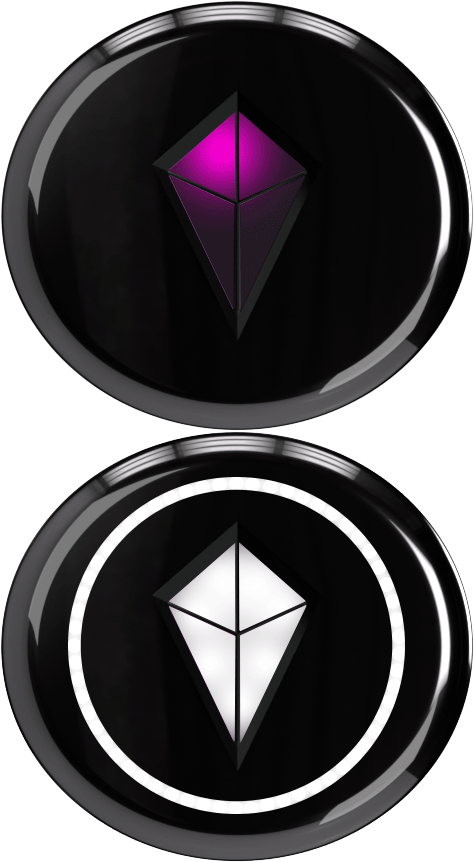
BOOM. YOU'RE CALIBRATED!
YOU'RE READY TO FOLLOW THE PRETTY LIGHT! ✨
(Seriously, that's it.)
How to Understand the Pretty Lights
Your Totem is always talking to you.
Here's what it's saying.
Connection Status
Solid Light
Active Communication ✅
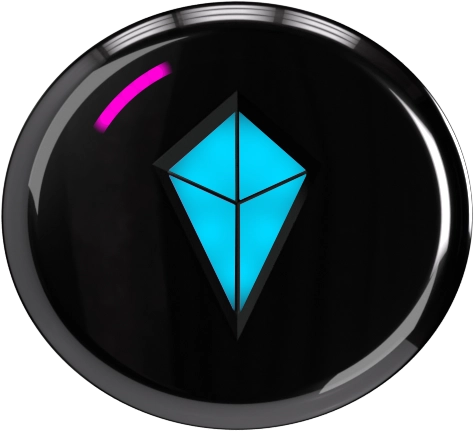
Solid Light
Active Communication ✅
Pulsing Light
Communication Lost ⚠️
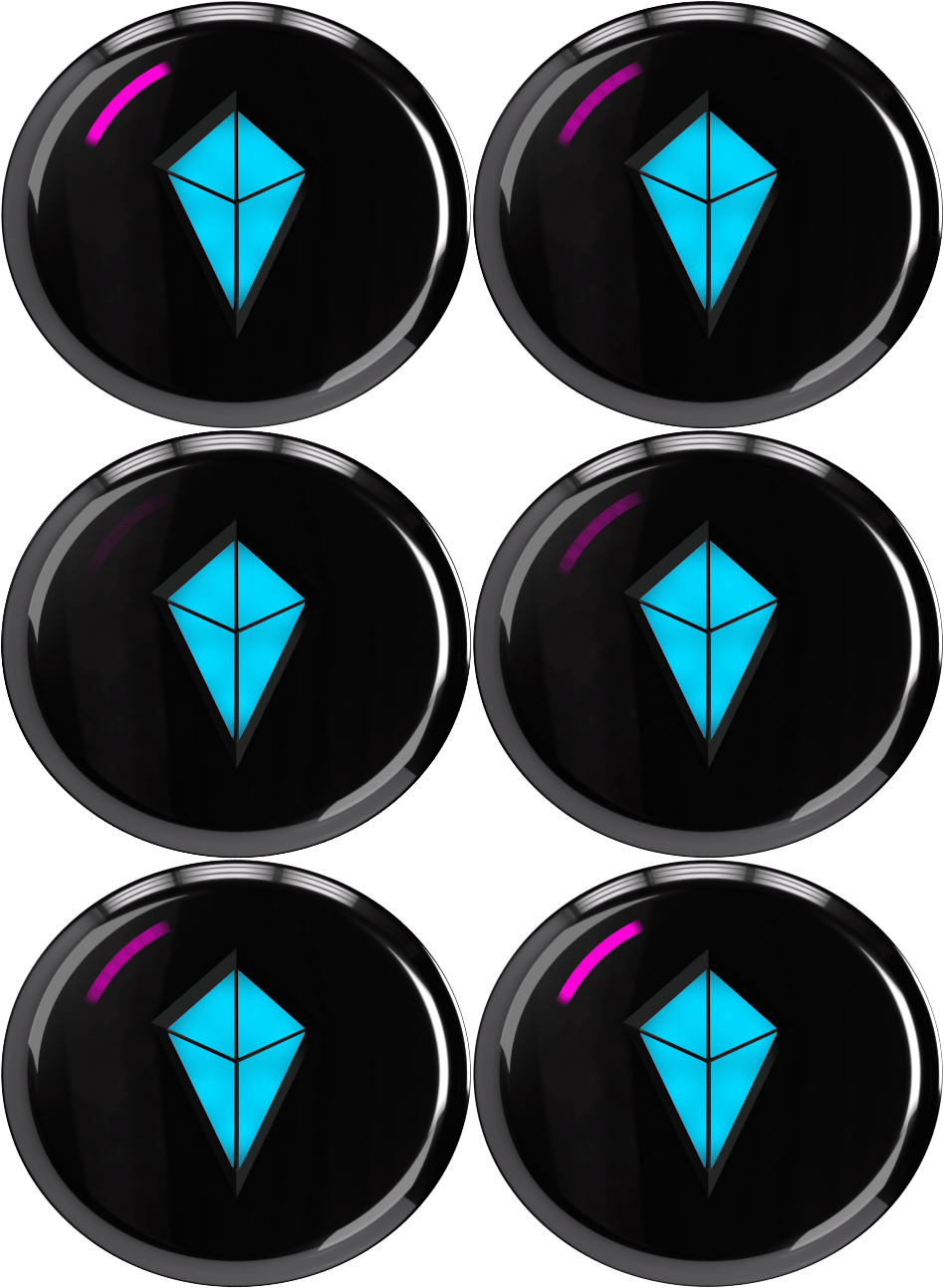
Pulsing Light
Communication Lost ⚠️
See a pulsing light?
Follow at your own risk.
Your friend's Totem may be off, dead, or out of range.
Hot or Cold?
The light tells you how close you are.
Light Shrinks
Getting Colder
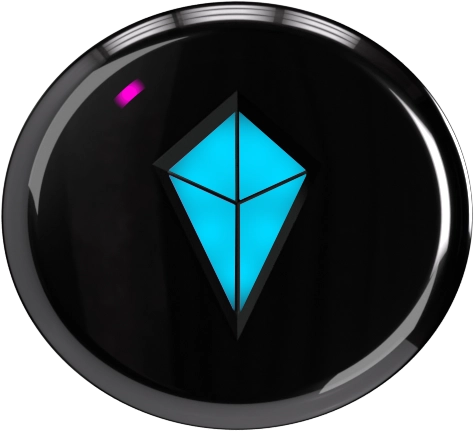
Light Shrinks
Getting Colder
Light Grows
Getting Warmer
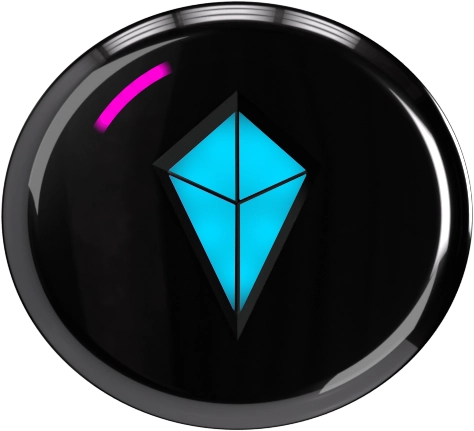
Light Grows
Getting Warmer
Light Moves to Crystal
They're Nearby
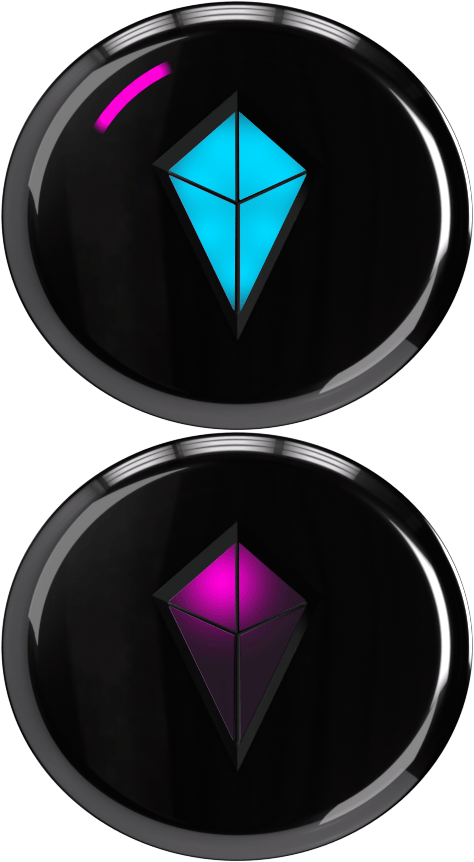
Light Moves to Crystal
They're Nearby
YOU'RE CLOSE! LOOK UP. 👀
When close to a friend, their light will always show in the Touch Crystal.
Level One Complete 💪
You've learned how to find your people.
Now let's get your Totem adventure ready!
Set Yourself Up For Success
A little prep goes a long way.
These quick steps will make sure your Totem performs at its best all weekend.
Download the Totem App
Your Adventure HQ
- Unlock the latest features & improvements.
- Keep your whole crew together.
- Navigate offline event maps.
- Find your people—even when fewer Totems are nearby.
Update Your Totems
Make sure you're running the latest version.
Keep This Playbook Handy
- Download for offline access.
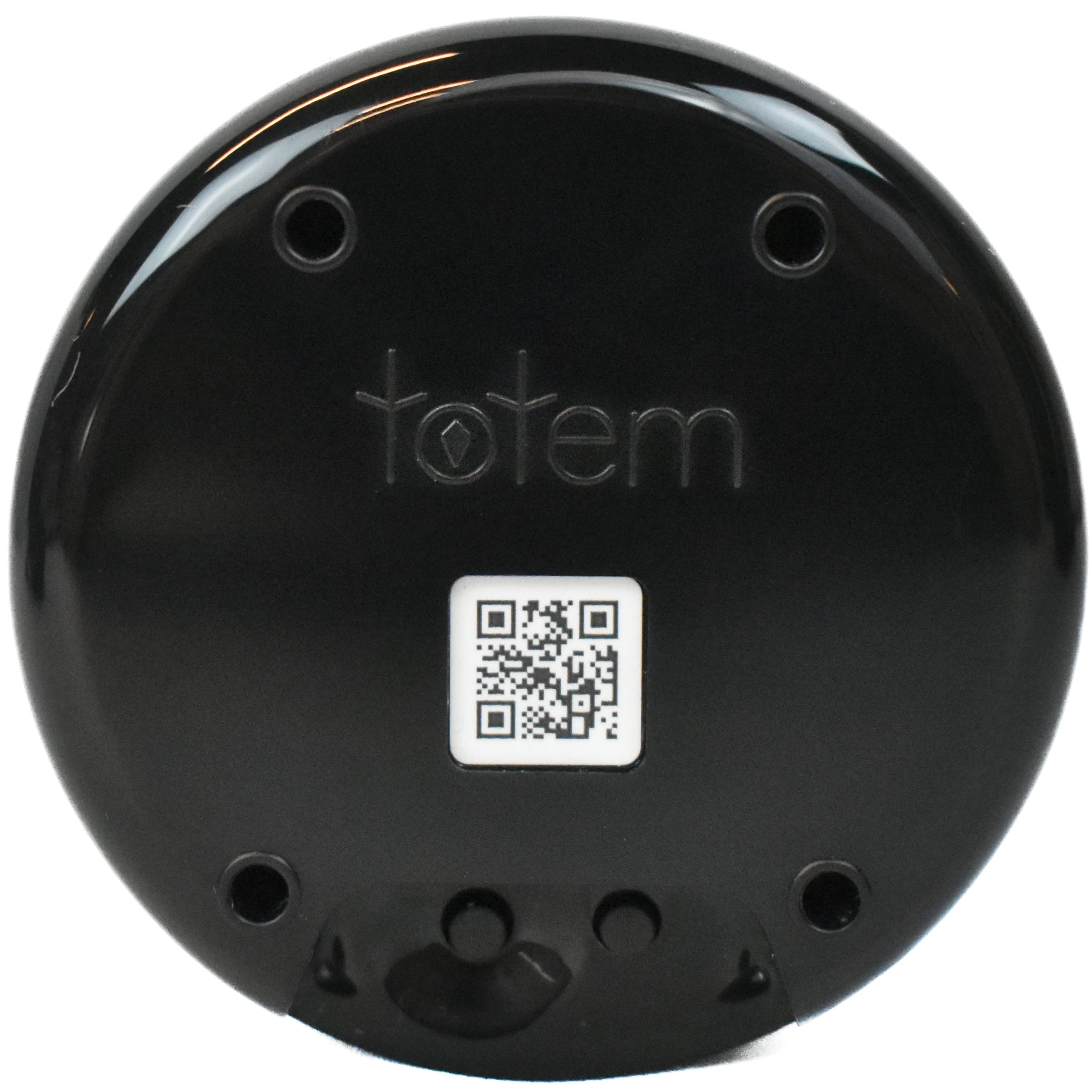
- Scan the QR code on the back of your Totem to access at any time.
Charge Your Totem
Starting to sound like a broken record, huh? 😉
Update Your Totem
Keep your Totem performing at its best.
Update On The Go: Bluetooth
1. Make sure your Totem is paired to the App.
2. Open ‘Compass Settings’. Click ‘Settings’ Icon.
3. Select ‘Firmware Update’.
4. Select ‘Update with Bluetooth’.
5. Tap ‘Send to Compass’.
Update At Home: WiFi
1. Make sure your Totem is paired to the App.
2. Open ‘Compass Settings’.Click ‘Settings’ Icon.
3. Select ‘Wi-Fi Network’. Choose Wi-Fi Network & add credentials.
4. Return to ‘Compass Settings’.
5. Select ‘Firmware Update’.
6. Select ‘Update with Wi-Fi’.
Swirling Light
Searching for Network
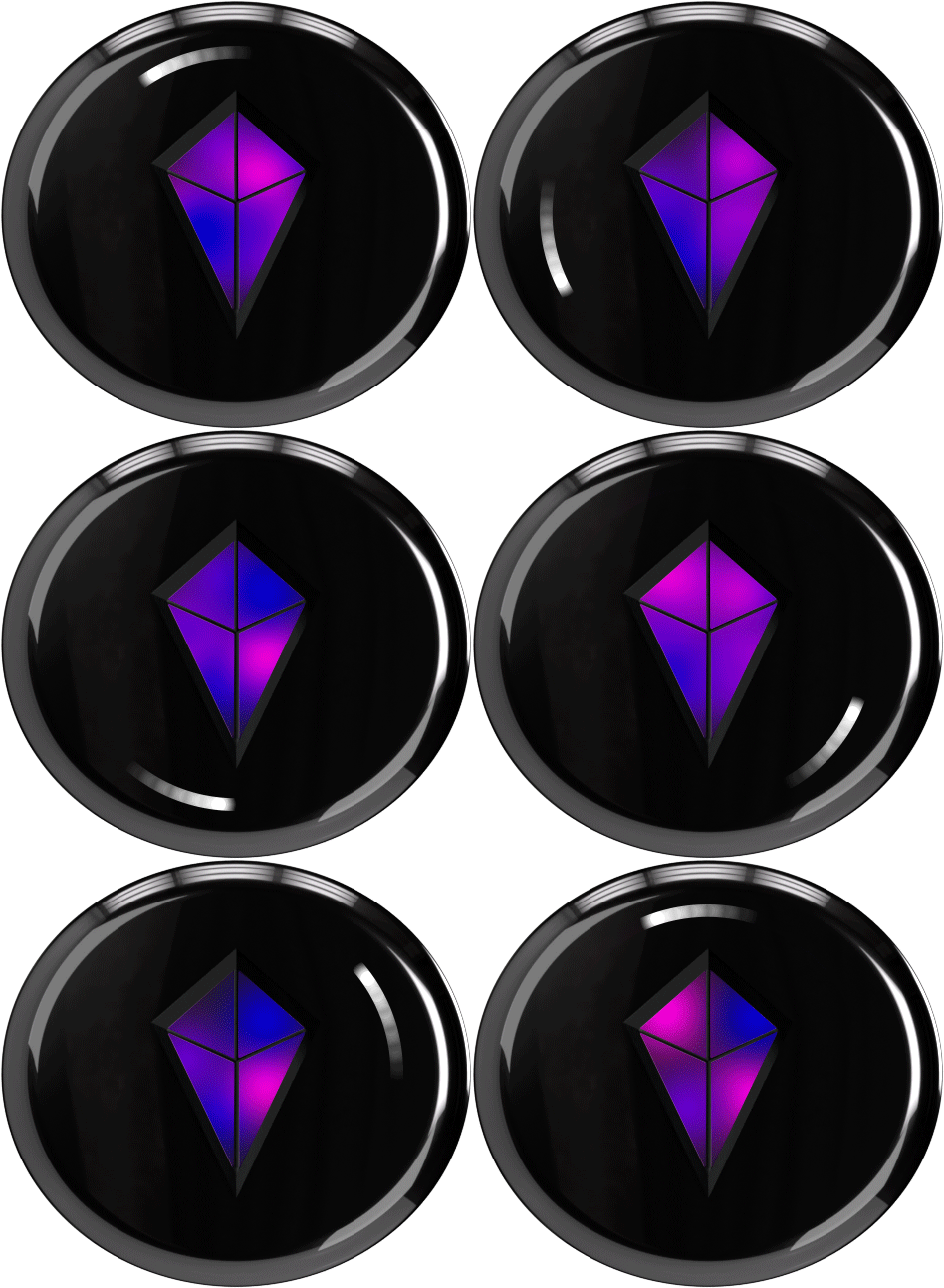
Swirling Light
Searching for Network
Progress Light
Installing Update
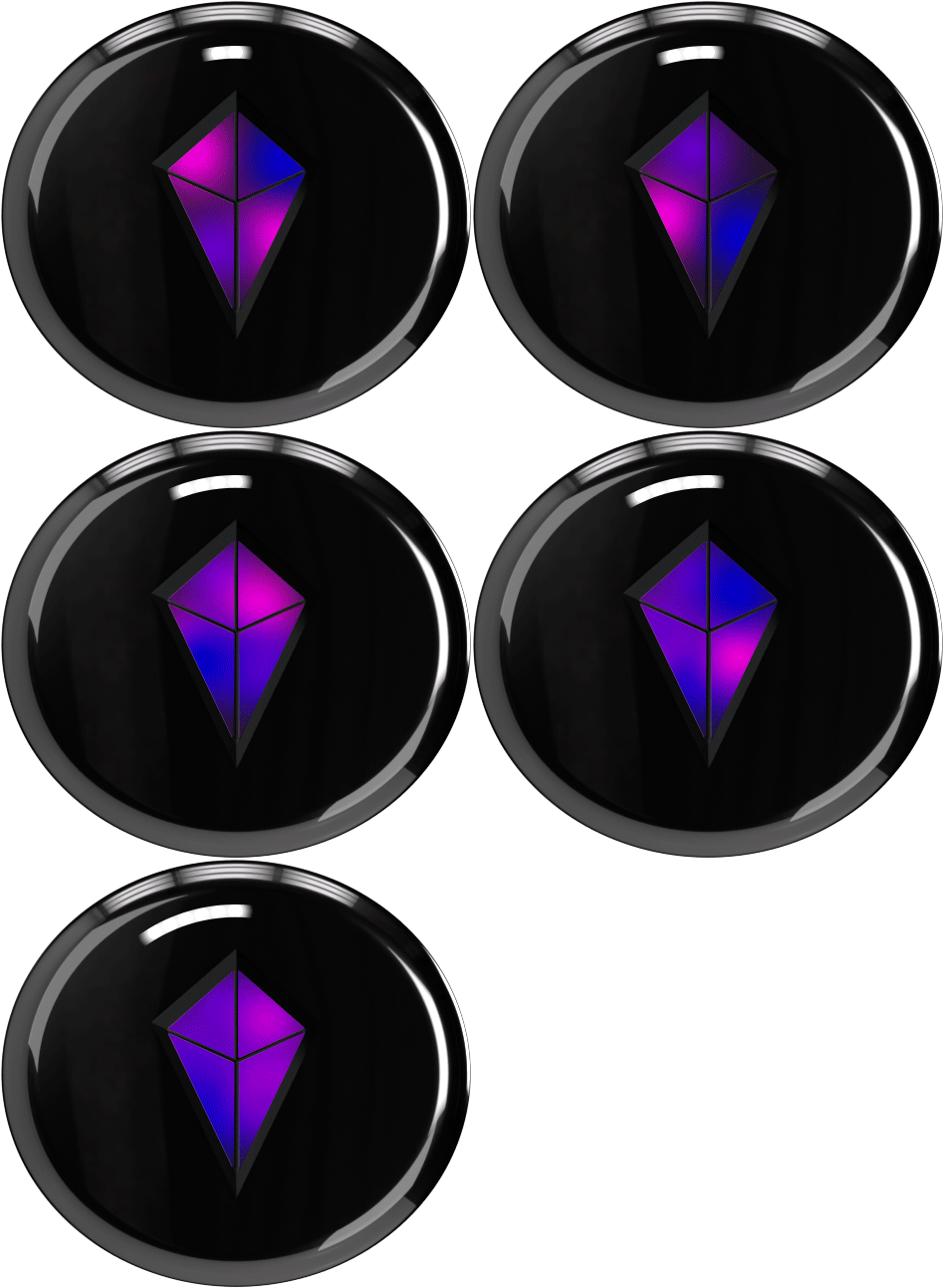
Progress Light
Installing Update
Light Fills
Update Successful
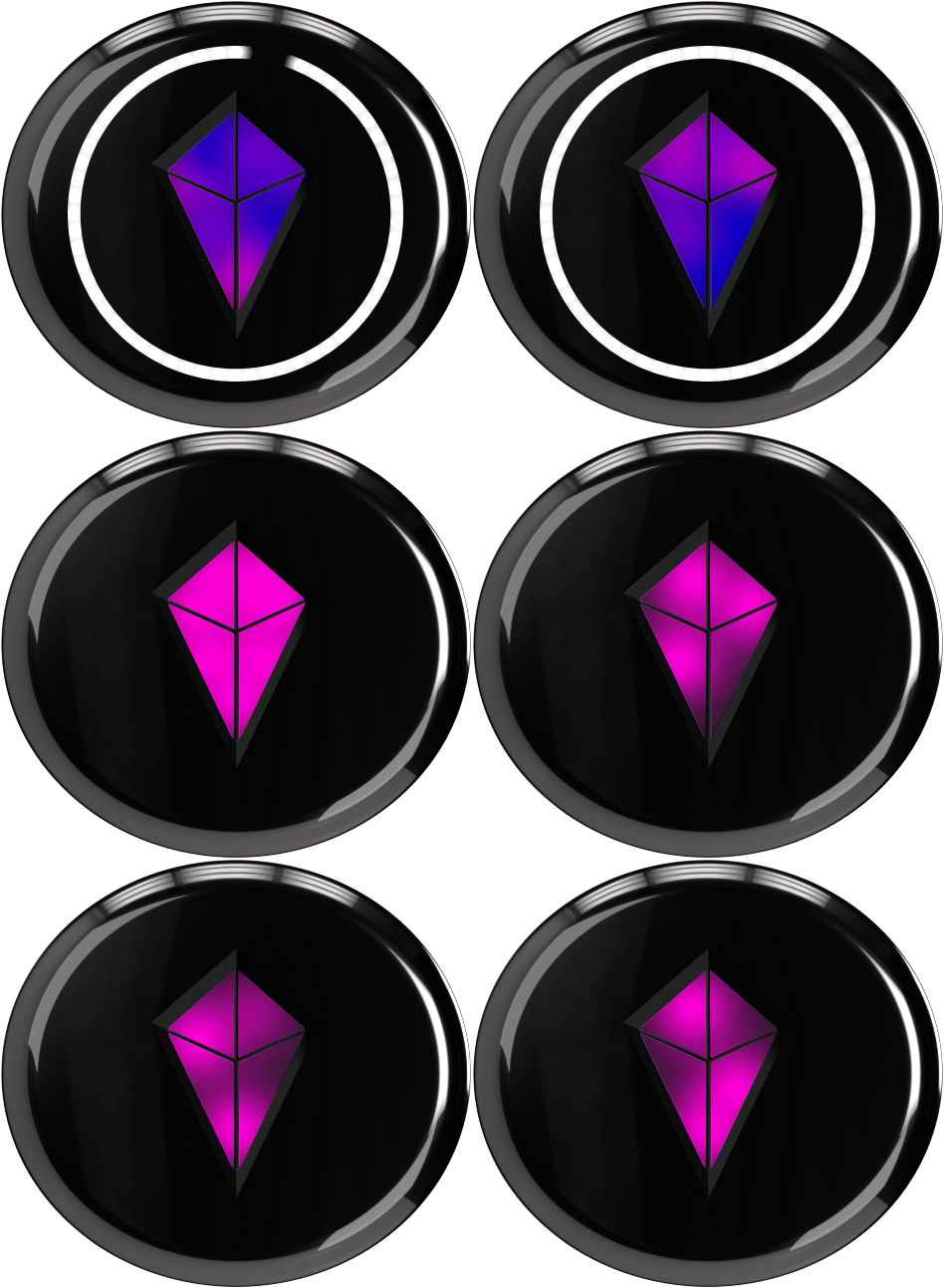
Light Fills
Update Successful
Orange Blinking?
1. Use a 2.4 GHz Wi-Fi network.
2. Verify your Wi-Fi password.
3. Charge Totem above 50%.
4. Confirm your internet connection is stable.
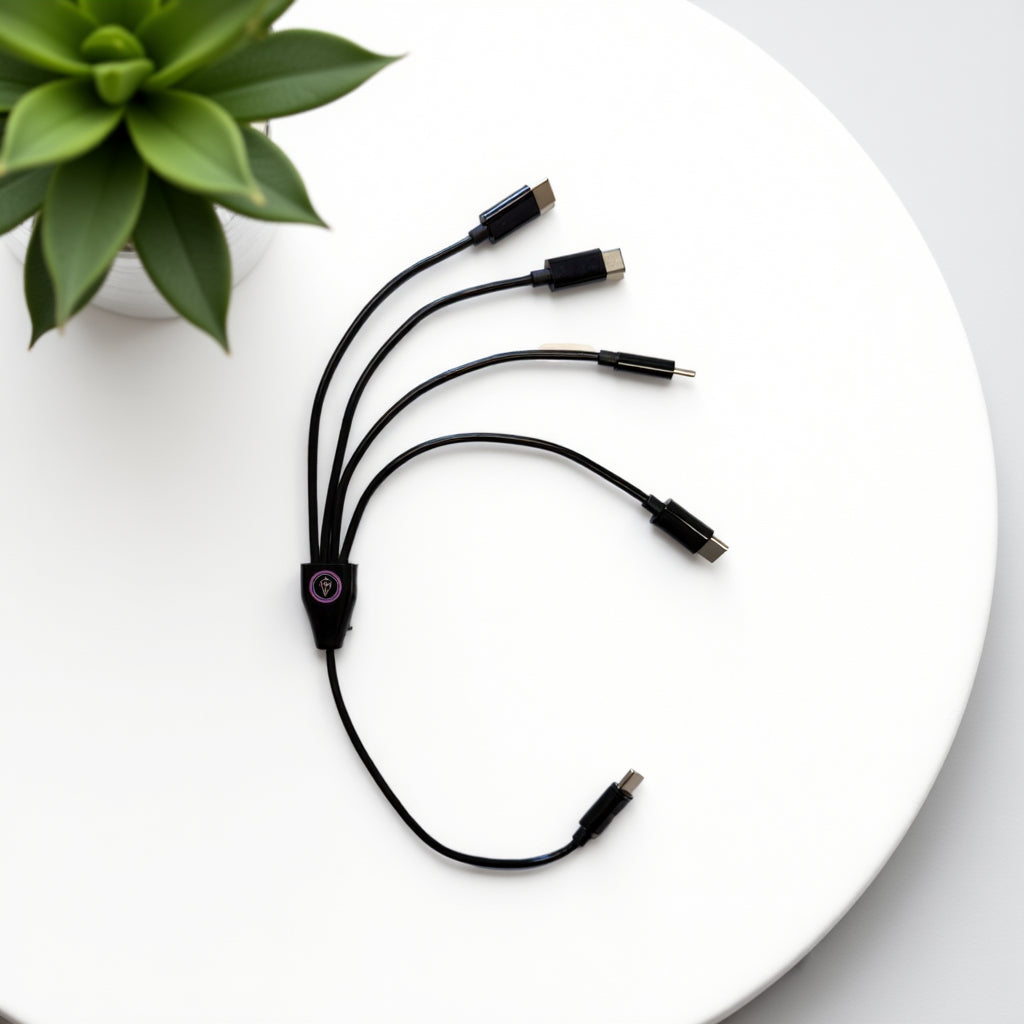
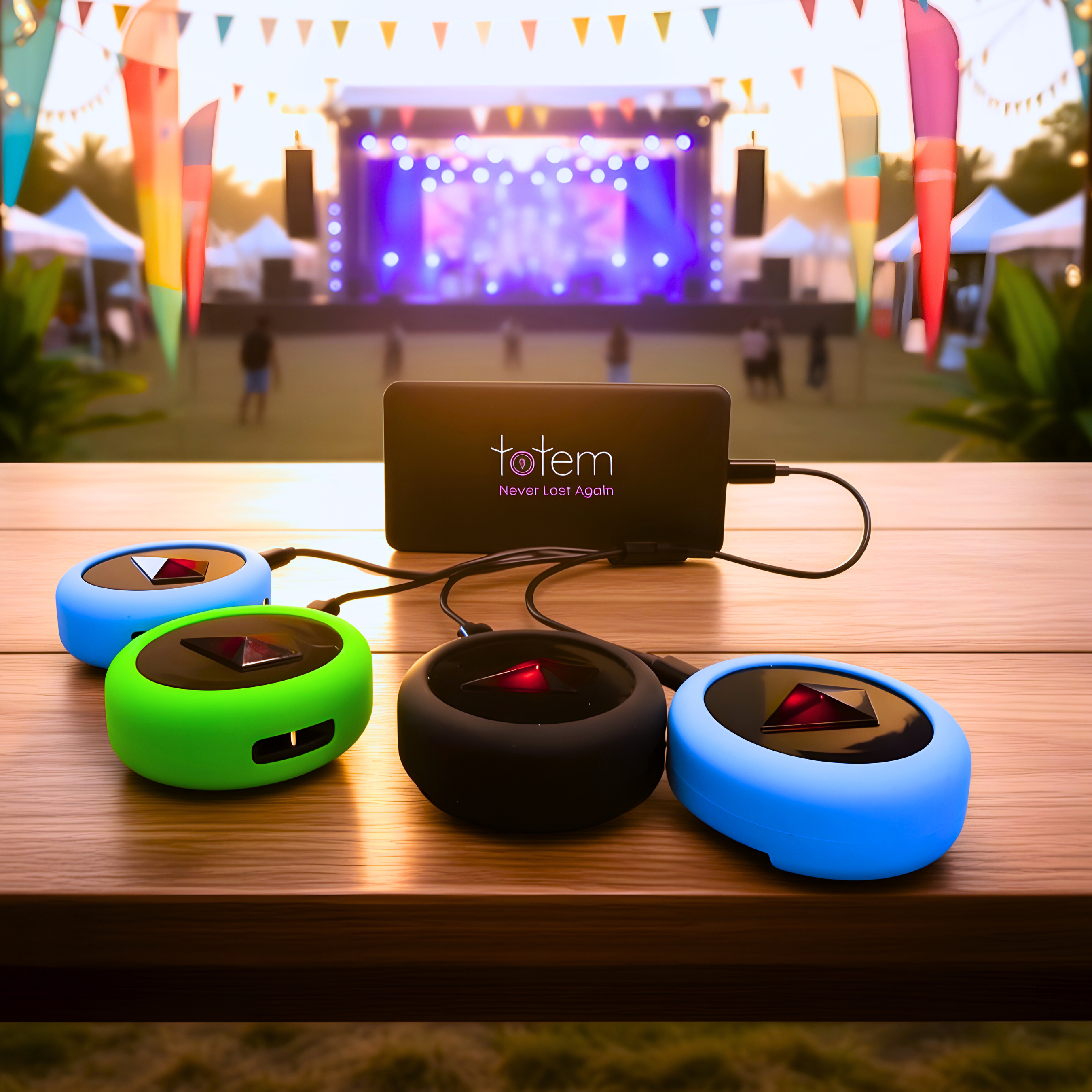
Keep Your Totems Charged
A little power goes a long way.


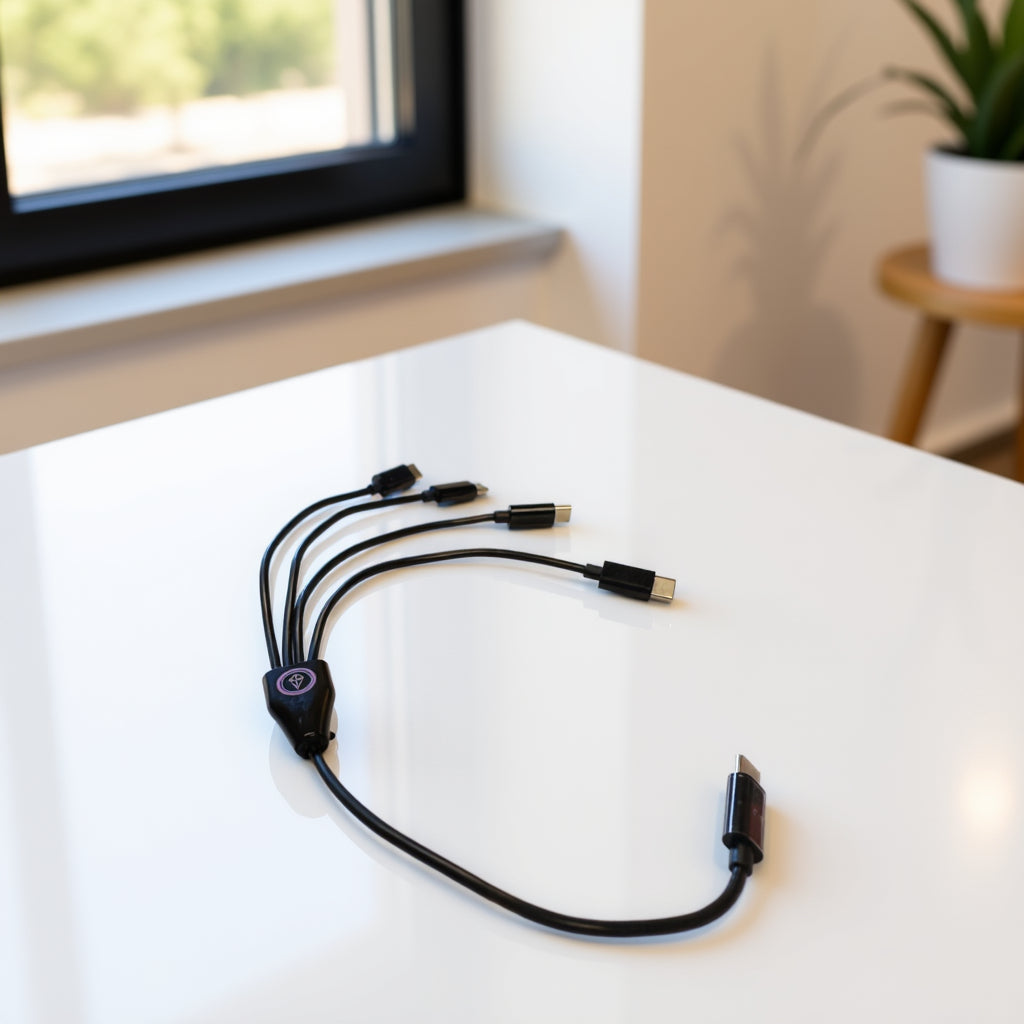
Your Adventure Awaits!
The Totem is different from anything you've used before.
The more you use it, the more intuitive it becomes.
Nobody becomes a Totem expert overnight.
--
When you need a refresher, just scan the QR code on the back of your Totem anytime.
Questions?
Our support team is made up of real humans who genuinely care about your experience.
Reach Us Anytime:
tribe@totemlabs.com
text us @ +1 423-522-1990


