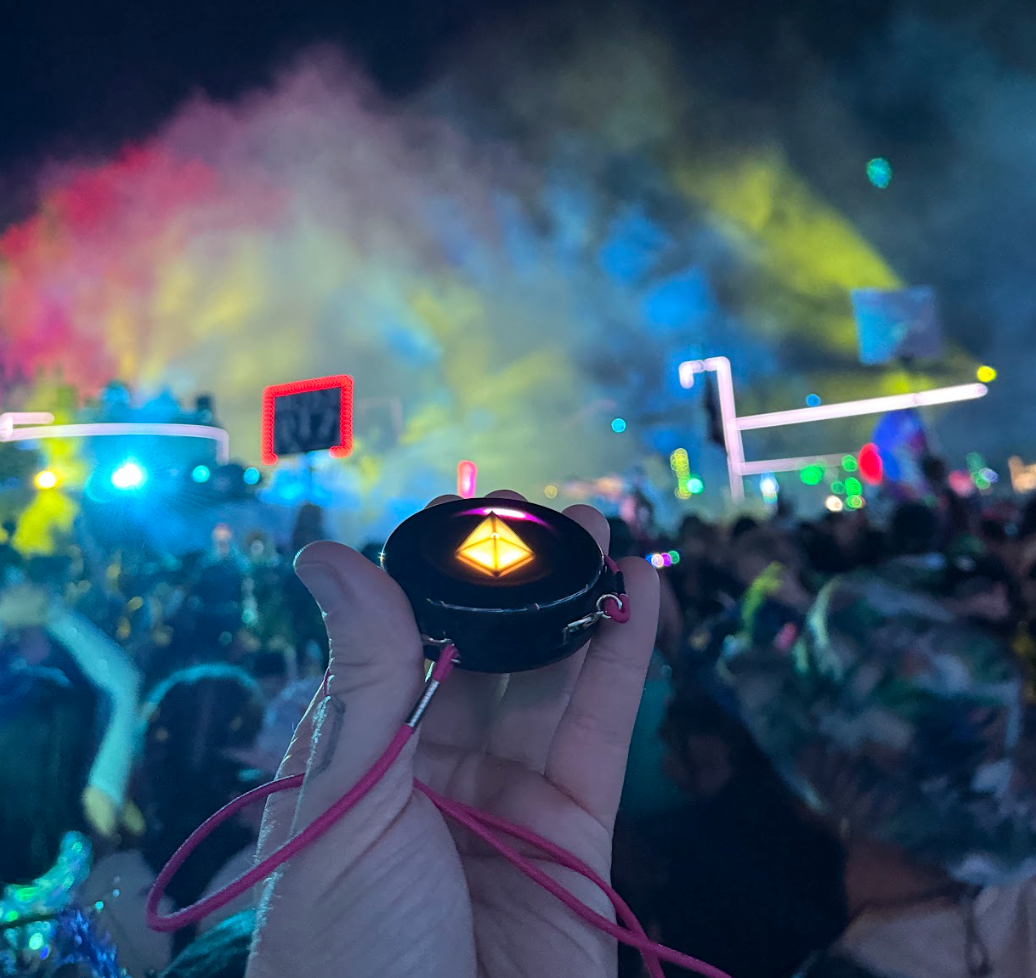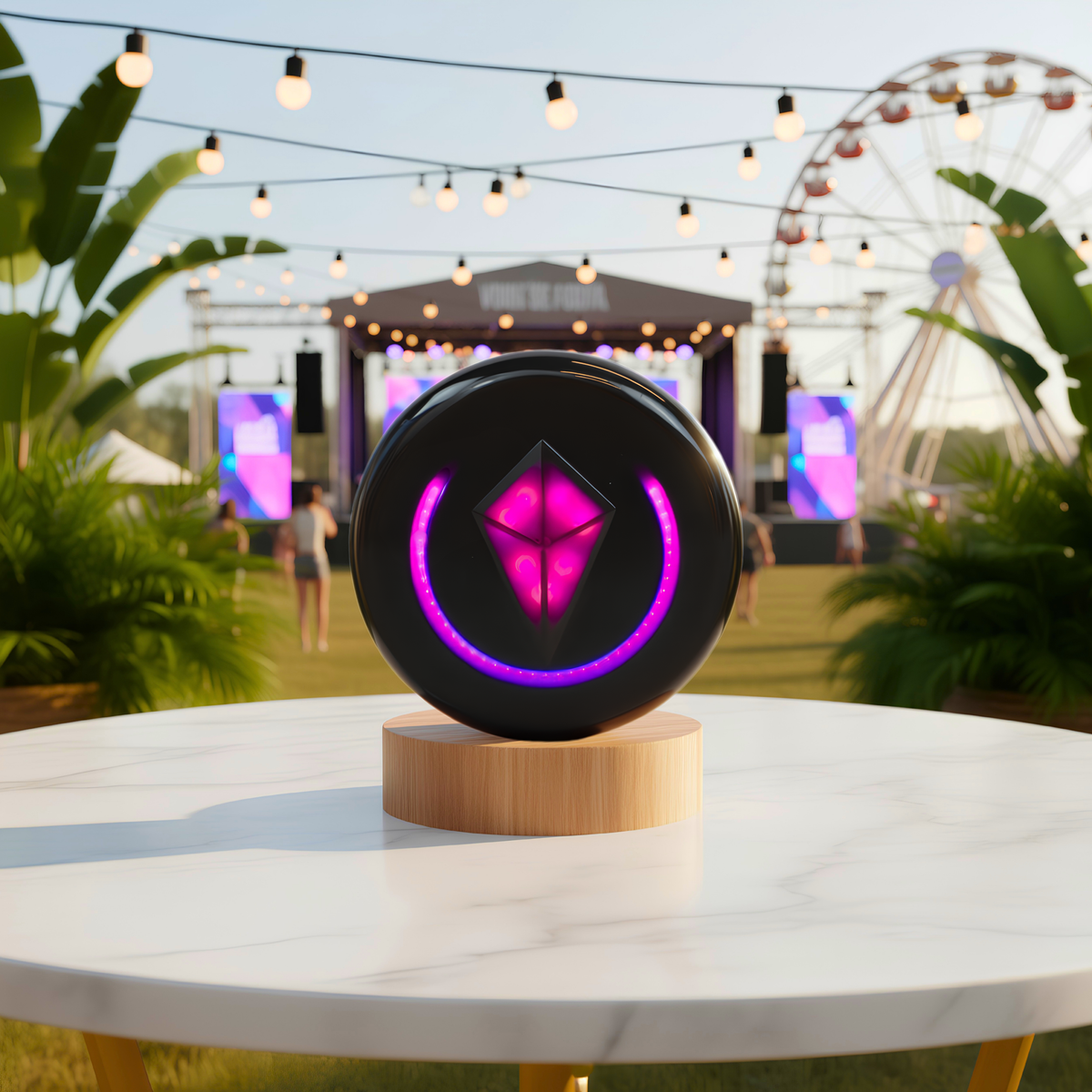


Before you head to a festival with your Totem Compass, run through this checklist: update every Totem to Version 5.0, charge everything, Bond your group before you leave, make sure everyone can tell their Totem apart, and learn what the lights mean. It takes a few minutes at home and saves a lot of “wait… where are you?” later.
If you’re new here: the Totem Compass is a screen-free wearable that helps you find your friends without relying on cell service. Pick a friend, follow the lights, go find your people.
Below is the full pre-festival checklist, plus the tips our Customer Support team shares most often. Trust us, you don’t want to skip this.
Your Pre-Festival Totem Compass Checklist
- ☐ Every Totem in the group is updated to Version 5.0 (it powers up Sparkly Pink)
- ☐ Every Totem is fully charged, and you’ve packed a way to recharge
- ☐ Your whole group is Bonded
- ☐ Everyone knows which Totem is theirs
- ☐ Everyone knows what the lights mean, including a pulsing one
- ☐ Optional: the Totem Compass App is set up, with Bonds named
- ☐ Everyone knows how SOS works (and what it doesn’t do)
Here’s how to check each one off.
1. Update Every Totem to Version 5.0
Version 5.0 is a free update that adds Auto-Calibration, up to 12+ hours of battery life in Vibe Mode, and major improvements to the Unity Mesh Network™ (the network Totems use to relay messages through a crowd). Update every Totem in your group, not just yours, so everyone gets the same features and the strongest mesh.
How to tell if you’re updated: each software version shows a different Crystal color when it powers on. Version 5.0 powers up Sparkly Pink.
The easy way: in the free Totem Compass App, pair your Totem (double-click the Power Button), open Compass Settings, and select Firmware Update. You can update over Bluetooth, or save your home Wi-Fi network (2.4 GHz only) and update over Wi-Fi.
Running older software? If your Totem predates Bluetooth updates, use the HotSpot method in our Software Update Guide once, and the app can take over from there.
Here’s what each animation means during a HotSpot or Wi-Fi update: 👇

Use this guide to tell what each animation means while your Totem updates.
Do this at home. Festival Wi-Fi is a myth.
2. Charge Everything the Night Before
A full charge takes about 45 minutes over standard USB-C, and the Touch Crystal shows a green light when it’s done. On Version 5.0, a Totem can last up to 12+ hours in Vibe Mode. Eco Mode (click the Power Button once) dims the Crystal, turns off the other lights, and can stretch battery life beyond 20 hours, depending on use.
Going for more than a day? Pack a way to recharge. The Tribe Charger charges the whole crew at once, and the Power Pal lets you recharge between sets. You can charge with the Skin on.
3. Bond Your Group Before You Leave
Bonds are the connections between two Totem Compasses, and every Totem can hold up to 8. Bond at home or at camp, while everyone is in one place and nobody is holding a drink in each hand.
To Bond your whole group at once, hold all the Totems side by side, horizontally. Pick one as the Primary Totem and touch and hold its Crystal for 8 seconds until the ring flashes through colors. Repeat for each other Totem, then touch and hold the Primary one more time to lock it in. For the details, see our guide to 8 Bonds and Smart Groups.
What Happens Right After You Bond: the Crystal Check
When two Bonded Totems are held close together, they may perform a Crystal Check: each Touch Crystal shows the other’s Bond color, to remind you which color belongs to which friend.
Once you step apart, the Crystal Check ends. When your friend is far enough away, their light moves out of the Crystal and onto the rim, and you can start navigating.

After Bonding, your Totems may automatically perform a Crystal Check.
4. Make Sure Everyone Knows Whose Totem Is Whose
Every Totem holds its owner’s Bonds, so grabbing the wrong one on the way out of camp is a bad afternoon. Give each person a different Totem Skin color and the pile on the charger sorts itself out.
Bond Light Color vs. Touch Crystal Color
These are two different things, and they trip people up:
- Bond Lights are the colors your Totem uses to show each Bonded friend when you’re navigating.
- Your Touch Crystal color is your Totem’s own color, shown when it hangs vertically.
If you Bond one friend at a time, Bond colors are assigned in the order you Bond, and they’re unrelated to anyone’s Crystal color. You can change your Crystal color with a single tap of the Touch Crystal in Compass Mode, and it won’t change how you appear on anyone else’s Totem.
If you Bond as a group, each Touch Crystal locks into its own unique color, and that color is how you appear on everyone else’s Totem. That’s the easiest way to keep a big crew straight. In the app, you can also name your Bonds and pick their colors.

A single tap changes your Touch Crystal color when you’re Bonding one friend at a time.
5. Give Your Totem Open Sky When You Arrive
Your Totem uses satellites to know where it is. When you get to the event, step outside with a clear view of the sky and wait for the swirling light to stop. It usually takes less than 5 minutes; give it up to 15.
After that, Version 5.0 calibrates itself as you walk and dance, so there’s no need to spin in circles at the gate (unless you want to).
6. Learn What the Lights Mean
Hold your Totem horizontally to enter Compass Mode, and your Bonded friends’ lights appear:
- A light on the rim: that friend is farther away. Turn toward it and walk.
- The light grows or shrinks: you’re getting warmer or colder.
- The light moves into the Touch Crystal: they’re nearby. Look up!
- A solid light: active communication with their Totem.
- A pulsing light: communication lost. Their Totem may be off, out of battery, or out of range, so follow at your own risk.
On Version 5.0, Bonds that haven’t updated in a while collect into the Touch Crystal and pulse there. So a pulsing light in the Crystal means “stale,” not “nearby.”
Wait a Second Before You Touch the Crystal
When you tilt into Compass Mode, give the Touch Crystal a couple of seconds to brighten before you use it. If you touch it too early, touch may stop working until you tilt back into Vibe Mode.

7. Set Up the Totem Compass App Before You Lose Signal (Optional)
Your Totem works on its own, no phone required. But if you use the free Totem Compass App, set it up at home: name your Bonds so you know who’s who, open your event’s map, and drop a meetup point so everyone knows where the fallback spot is.
8. Know How SOS Works
Press and hold the SOS button on the back of your Totem to send an alert to your Bonded friends. It only reaches the people you’re Bonded with. It doesn’t contact event staff or emergency services, so in an emergency, find medical staff or call for help. More in our SOS Mode guide.
A Few Extras Worth Packing
- Worried about losing it in a crowd? The TotemLoop anti-theft tether adds an extra layer of security.
- Bringing kids? Read how families use Totem at large events.
- Need the manual offline? Scan the QR code on the back of your Totem, or download the Totem Playbook.
If Something Looks Off: Tilt to Reset
If you ever see something you don’t expect, such as:
- a Touch Crystal that won’t respond,
- unexpected Bonding, or
- a Touch Crystal changing colors on its own,
tilt your Totem into Vibe Mode (vertical) and then back into Compass Mode (horizontal) to clear the touch sensor. And if the Crystal is slowly pulsing red, that’s not a glitch: your battery is low.

If anything isn’t working right, tilt your Totem vertical, then back flat, and try again.
Still stuck? Our support team is made up of real humans. Email tribe@totemlabs.com, text +1 423-522-1990, or visit Product Support. For a full walkthrough, see How to Set Up Your Totem Compass.
Still Need Totems for the Crew?
More than 65,000 people in 80 countries use Totem to find their people. The Totem Compass Bundle builder lets you customize the best Bundle for your group size, for up to eight people, and the bigger the group, the lower the price per person. You can also split the payment with friends at checkout using Paysquad.
See you out there. 🫶
✌️ + 💗,
The Totem Team